Saddle Up Magazine Writers’ Guidelines
The publishers of Saddle Up Magazine provide Back Country Horsemen of BC (BCHBC) with space for an article in the publication each month (February to December). This is a valuable way for us to promote our organization, recruit new members and generally ‘spread the word’ about our activities.
The articles allow us to tell readers about who we are, what we do, and how much fun we have with our friends, our horses and our beautiful “beyond”!
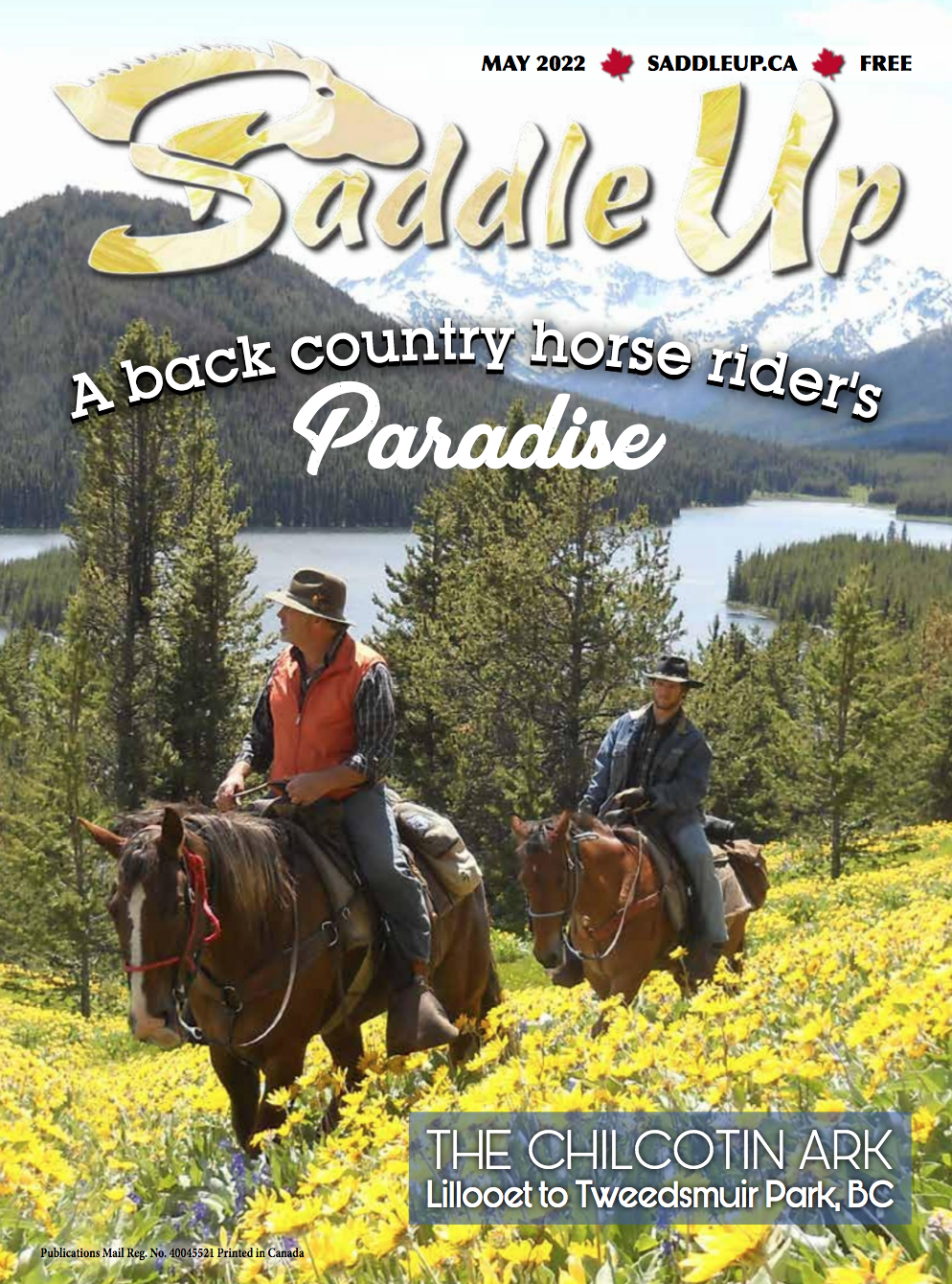
BCHBC encourages all Chapters to submit articles for inclusion in Saddle Up. As well, individual members are welcome to write about their back country trips. Effective July 2022, all stories submitted for Saddle Up will also be published on our provincial website.
Here is what you need to know PRIOR to submission of a story:
TOPICS:
- Submit your ideas to the Saddle Up Coordinator for approval PRIOR to writing your article.
- All topics should be relevant to BCHBC and trail riding, and be of interest to the general horse community, even to those who may have never been on a trail ride.
- Can feature highlights of Chapter events, group efforts such as trail clearing/work bees, relevant educational events or topics, new trails/campsites that have been opened, rides, local area trails (public), etc.
- Where a reader may want to know more about a chapter or the trails in that area, include contact info, such as an email address.
- (If applicable, please provide website links for the online version.)
- It is important to note that articles featured by BCHBC should not be time sensitive or feature trails that are private. Generally, all stories should relate to – and connect the reader to – BCHBC.
FORMAT:
- Please create a title for your article: (maximum of 10 words) and a subtitle (maximum of 15 words). The title or subtitle should identify your chapter and geographic region (if it is not obvious in your article and is relevant). If you need examples for inspiration, have a look at the previously published BCHBC articles in Saddle Up.
- Identify the writer and photographer (if applicable).
- Provide a territory acknowledgment if applicable.
- Approximately 600 words in length. The Saddle Up coordinator will edit for length if necessary. If the article is over the desired word count, the unedited version may be posted on our website. Writing in excess of 600 words, however, should be the exception, not the norm as it takes the Coordinator considerable time to edit for the correct length. If you think your completed article may be too long, please discuss with the Coordinator.
- Should be in Microsoft Word document format and sent as an attachment to your email or, if necessary, pasted into the body of an email.
- Do not spend time doing any fancy formatting and do not place the photos in the Word document.
PHOTOS:
- Submit 3 or 4 photos for consideration and include photo captions. (Selection of photos is at the discretion of the Saddle Up coordinator and publisher.)
- All photos must be digital and in .jpg or .png format and sent as an attachment to an email or shared on Google Drive.
- All photos must be the best quality/highest resolution possible. No ‘thumbnail’-sized photos, please.
DEADLINES:
- Once your idea for a topic has been approved, you will be given a deadline for submission.
- The deadline to submit to the Saddle Up Coordinator is the first of the month PRIOR to the anticipated month of publication. Example: April 1 for the May issue.
- Submission of an article does not guarantee its placement in a specific month. Sometimes, items come up that may take priority and the schedule may change. We will do our best to accommodate all requests but reserve the right to change publication dates.
Email your article ideas and questions to: SaddleUpCoordinator@bchorsemen.org