Having Trouble Viewing Our New Website?
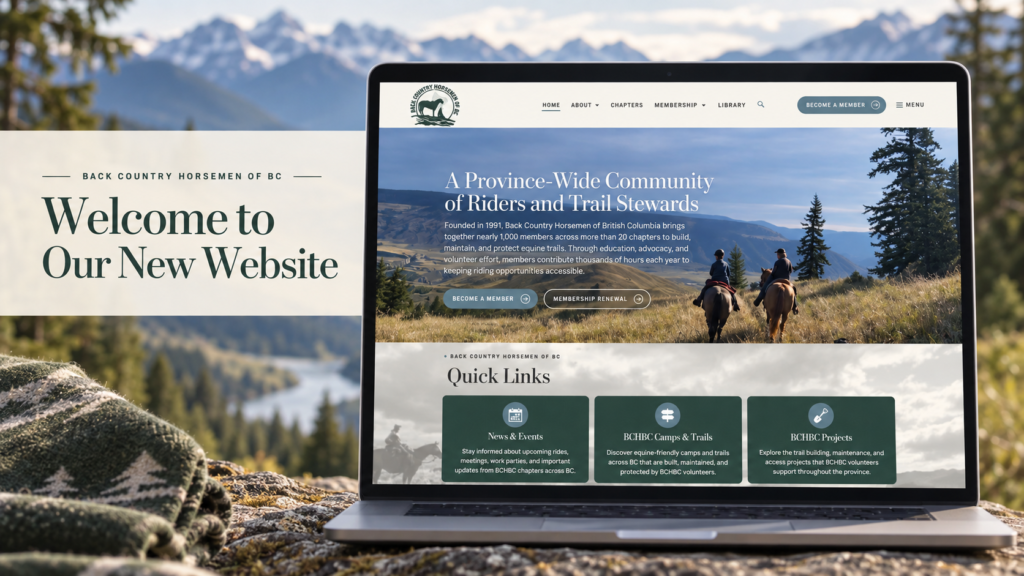
Welcome to the new BCHBC website! If a page looks unusual or something doesn’t seem to work, your browser may still be showing an older version of the site. These quick steps should help.
1. Refresh the page
Click the refresh button in your browser. On a phone or tablet, you can usually swipe down from the top of the page to refresh it.
2. Try a full refresh on a computer
If a regular refresh doesn’t help, press Ctrl + Shift + R on Windows or Command + Shift + R on a Mac while viewing the page.
3. Clear cached files if the issue continues
In your browser’s settings, look for an option to clear cached images and files, then reopen the website. You do not need to clear your saved passwords or browsing history.
Still having trouble? Please contact us and tell us which page is affected and what device and browser you’re using. A screenshot is helpful if you can provide one.