Welcome to the new BCHBC website! If a page looks unusual or something doesn’t seem to work, your browser may still be showing an older version of the site. These quick steps should help.
Click the refresh button in your browser. On a phone or tablet, you can usually swipe down from the top of the page to refresh it.
If a regular refresh doesn’t help, press Ctrl + Shift + R on Windows or Command + Shift + R on a Mac while viewing the page.
In your browser’s settings, look for an option to clear cached images and files, then reopen the website. You do not need to clear your saved passwords or browsing history.
Still having trouble? Please contact us and tell us which page is affected and what device and browser you’re using. A screenshot is helpful if you can provide one.

Adventure in the East Kootenay’s ‘Big Country’ May 25-27, 2022 Intro by Terri Perrin, Member at Large. Story by Barb Hart, Okanagan Chapter Photos by Barb Hart, Arlene Ladd and Teresa Devine Paticipants of the East Kootenay Inter Chapter Ride The East Kootenay Chapter (EKC) of Back Country Horsemen of BC (BCHBC) was established in […]
Saddle Up Magazine Writers’ Guidelines The publishers of Saddle Up Magazine provide Back Country Horsemen of BC (BCHBC) with space for an article in the publication each month (February to December). This is a valuable way for us to promote our organization, recruit new members and generally ‘spread the word’ about our activities. The articles […]
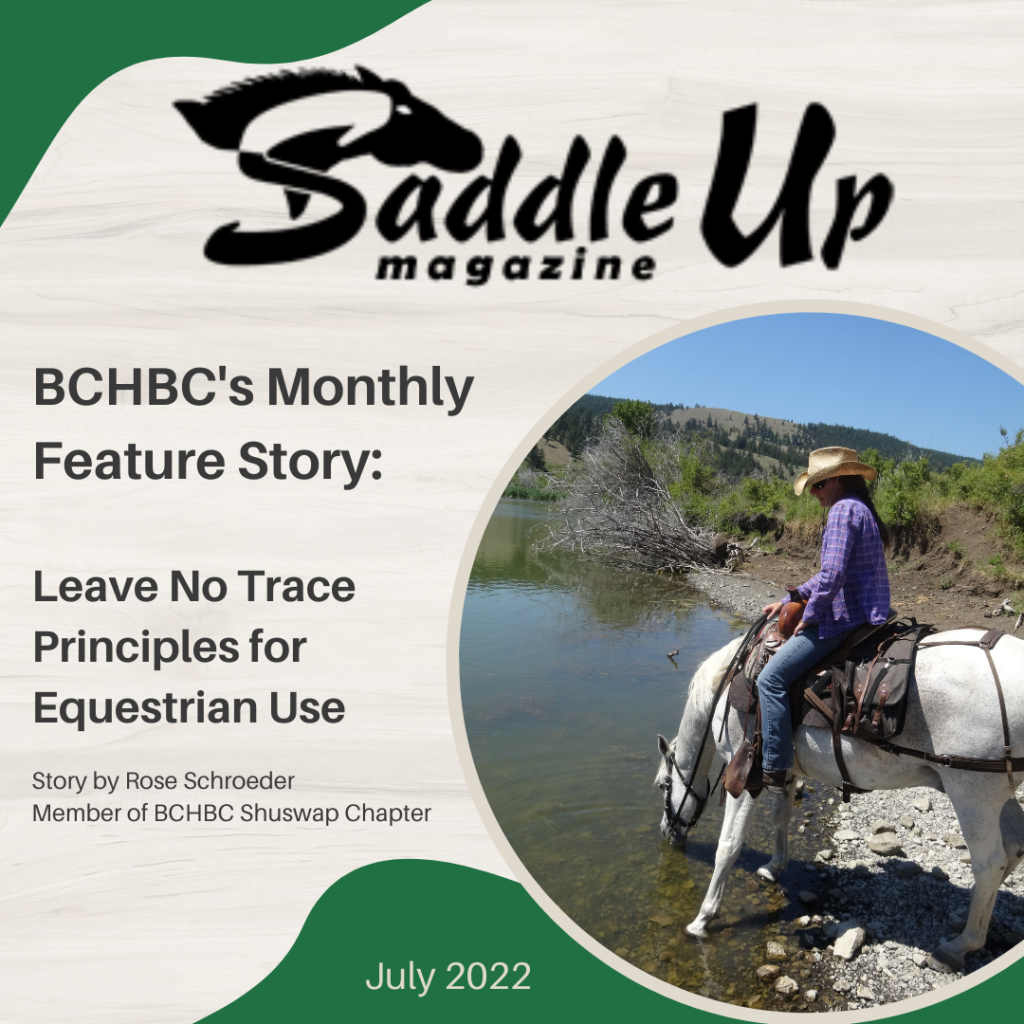
Leave No Trace Principles for Equestrian Use. Story by Rose Schroeder, member of BCHBC Shuswap Chapter. Two riders practice ‘Leave No Trace’ by watering their horses (and dog) on solid footing along the Vedder River in Chilliwack. Photo by Dawson Friesen. On page 33 of the February issue of Saddle Up, we introduced readers to […]
Welcome to the new BCHBC website! If a page looks unusual or something doesn’t seem to work, your browser may still be showing an older version of the site. These quick steps should help.
Click the refresh button in your browser. On a phone or tablet, you can usually swipe down from the top of the page to refresh it.
If a regular refresh doesn’t help, press Ctrl + Shift + R on Windows or Command + Shift + R on a Mac while viewing the page.
In your browser’s settings, look for an option to clear cached images and files, then reopen the website. You do not need to clear your saved passwords or browsing history.
Still having trouble? Please contact us and tell us which page is affected and what device and browser you’re using. A screenshot is helpful if you can provide one.